Liverton Networks Fibre Internet

Ultra-Fast, Ultra-Simple

Image

Customers Support

24/7 Customer Support staff are available by email and phone. We are here to help get you up and running.

Image

No Contracts

Only purchase plans as required. Away for a month? You don't need to pay for internet during that time.

Image

Quick-Connect

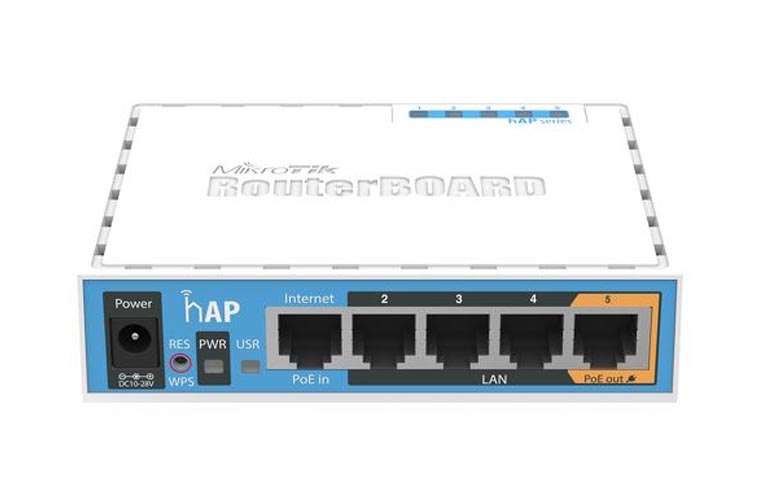
Initial payment includes a wireless router. With differnet options available, we recommend our upgraded wifi 6 router for the best speed and wireless experience.

Plans and Pricing

Monthly plans available.

Installation

Installation options available.

Frequently Asked Questions

We are happy to answer your questions.

*What speeds can I expect?

Users can expect speeds of up to 200Mbps download and 200Mbps upload (best effort) with our upgraded wifi 6 router. These speeds may vary during high-usage times, primarily between 6pm - 11pm.

How do I get connected?

Simply fill out the form and we will be in touch to arrange the connection. The installation fee will cover the cost of a wireless router and, where applicable, a technician to install it.

How do I pay?

Once your router is installed, you will be prompted to create an account and pay using Credit Card, Debit Card or Online Banking through the Liverton Networks portal. Auto-Renewal options are available through our portal for seamless internet.

What contracts are available?

Liverton Networks is Open Term. This means you can cancel at any time through our portal. Several plans are available for monthly plans.

How long will it take to get connected?

Once you submit a sign-up request, it will take up to 7 business days to get you connected. We know internet is important to you and try to make this as quick as possible.

What does the onsite technician option include?

For your convenience, we come to your apartment and assist in getting your new router and connection up and running on all your devices. This includes but not limited to PC and Apple Macs, Smartphones, Tablets, and Smart TVs. If you have any specific networking requirements for your apartment, we can advise and assist you to get the best speeds possible.

Can I use my own router?

Users can use their own router. It must be a fibre capable router, please contact us if you are unsure. Liverton Networks can only provide limited support for users with their own router. Expected speeds can vary depending on the chosen routers capability.

How can I get help?

If you have any questions or queries with your connection, please get in touch by emailing us at: help@liverton.com